Introducing Rig Finder Pro: Offline Maps, Navigation and Truck Routing for the Oilfield
Introducing Rig Finder Pro: Offline Maps, Navigation and Truck Routing for the Oilfield
Every field hand knows the moment: you turn off the pavement, the lease road gets rougher, and the bars on your phone drop one by one until they're gone. That's usually right when you need your map the most.
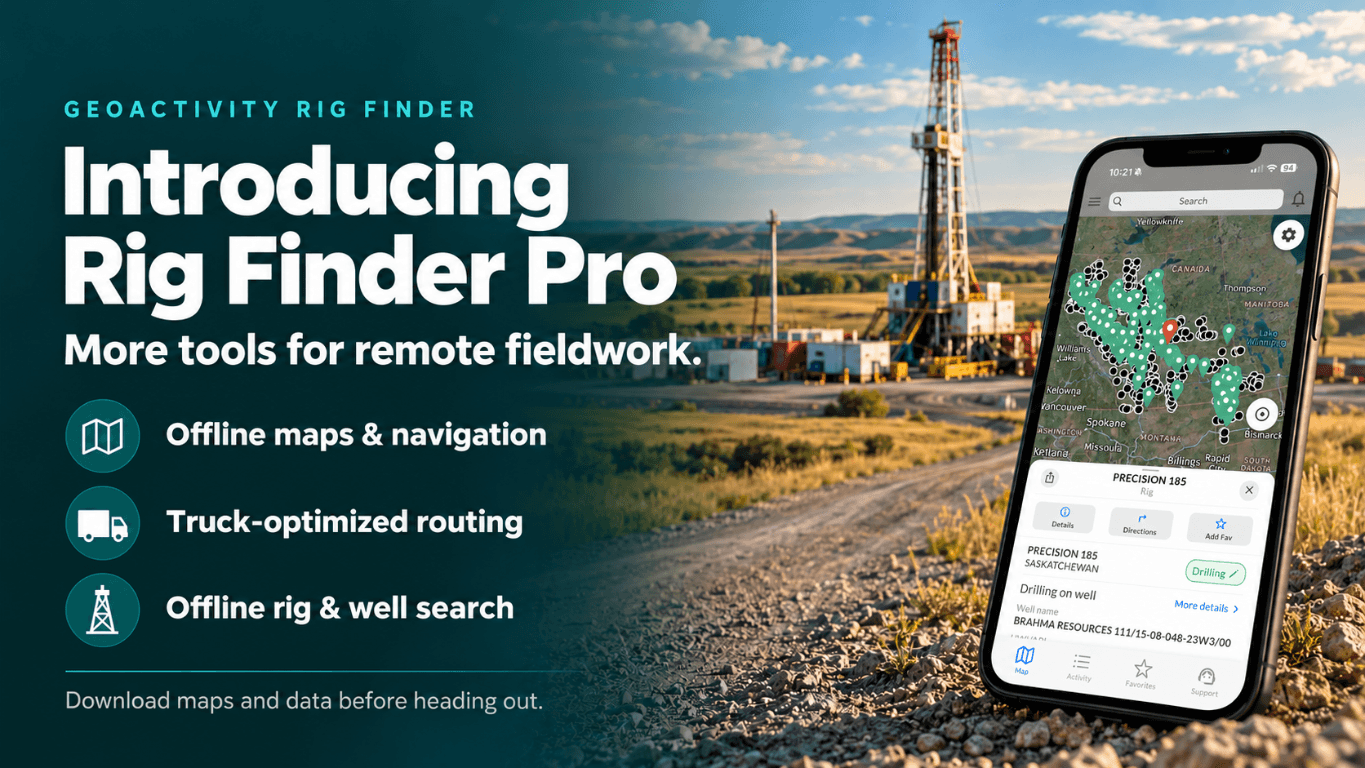
Today we're introducing Rig Finder Pro, built for that stretch of road. Pro adds offline maps and navigation, truck-optimized routing, and offline rig and well search—so you can keep finding locations and getting there when cell service runs out.
Rig Finder now comes in two subscription levels: Essentials and Pro. Choose the tools that fit your day, and upgrade when the work takes you farther into the patch.
Essentials: find rigs and follow drilling activity
Essentials brings rig locations, well information, land locations and drilling activity together in one app for Alberta, Saskatchewan, British Columbia and North Dakota. With Essentials, you can:
If your day is spent tracking where rigs are working, checking nearby permits or planning the week from the office or truck, Essentials has you covered.
Pro: take your work offline
Pro includes everything in Essentials, plus four tools for crews who work where coverage doesn't reach.
Offline maps and navigation
Download maps by province or state before you leave town, then navigate with them when cell service is unavailable. No more screenshotting directions at the last gas station.
Truck-optimized routing
Plan routes built for truck travel to rigs and wellsites—not simply the shortest path a passenger car would take. Compare the fastest and shortest route options, then set your truck's height, weight and road-class preferences so the route better fits the vehicle you're driving. You can also look for fuel stops and places to eat along the way, making it easier to plan a practical trip from start to finish.
Offline rig search and filtering
Find and filter downloaded rig data without an internet connection—by name, contractor or region—even when you're already past coverage.
Offline well search and filtering
Search and filter downloaded well data beyond cell coverage, so the next location is still only a few taps away.
How offline works
Getting set up takes a couple of minutes while you still have a signal:
1. **Download before you go.** On Wi-Fi or cell, download maps and rig and well data for the province or state you're heading into: Alberta, Saskatchewan, British Columbia or North Dakota.
2. **Work without service.** Search, filter and navigate using the content stored on your phone.
3. **Refresh when you're back in coverage.** Reconnect to update offline content and pick up the latest rig activity.
An internet connection is required to download or refresh offline content and to receive new rig activity notifications. If you're heading out for a multi-day stretch, refresh before you leave so your data is current.
Who Pro is for
Pro is built for people who spend their days on lease roads: truck drivers and hotshot operators, rig movers, field crews, and anyone who has lost signal halfway to a wellsite. If you mostly use Rig Finder to follow activity while connected, Essentials remains a great fit. You can upgrade when your work takes you farther out.
Already a subscriber?
Existing weekly, monthly or yearly subscribers were moved to Essentials automatically. Nothing changes, and there's nothing you need to do. To try Pro, open Rig Finder and upgrade from the subscription screen. Essentials and Pro are each available with weekly, monthly and yearly options; both yearly plans include a free 7-day trial.
Get Rig Finder Pro
Rig Finder Pro is available now on the App Store and Google Play. Update the app, choose the plan that fits your work, and download your province or state before your next trip into the patch. Pro features are in the mobile apps; the web version at rigs.geoactivity.com offers limited features.
Questions or feedback? Reach the team through in-app support or our contact page. We build Rig Finder for the people who use it in the field, and many of the tools in Pro grew from requests from crews like yours.